
Import with care
Map each column to a field, handle duplicates and keep every subscriber's consent status as it was.
Features
Hyo Mail does not split features across tiers: Email Studio, automation, A/B testing, advanced analytics and the API are included even on Free. Here is what each part does.
Email Studio
Build a message from sections, columns and blocks, or start from one of 55 designs, each available in Arabic and English, across 17 categories from newsletters to seasonal offers.

Audience
Bring contacts from a CSV file or straight from the customers already in your HyoNova CRM. Hyo Mail has no commercial contact cap on any plan.
Map each column to a field, handle duplicates and keep every subscriber's consent status as it was.
Combine lists, tags and attributes to reach exactly the people a message is meant for.
Unsubscribes, hard bounces and complaints leave your sendable audience without anyone cleaning a spreadsheet.
Automation
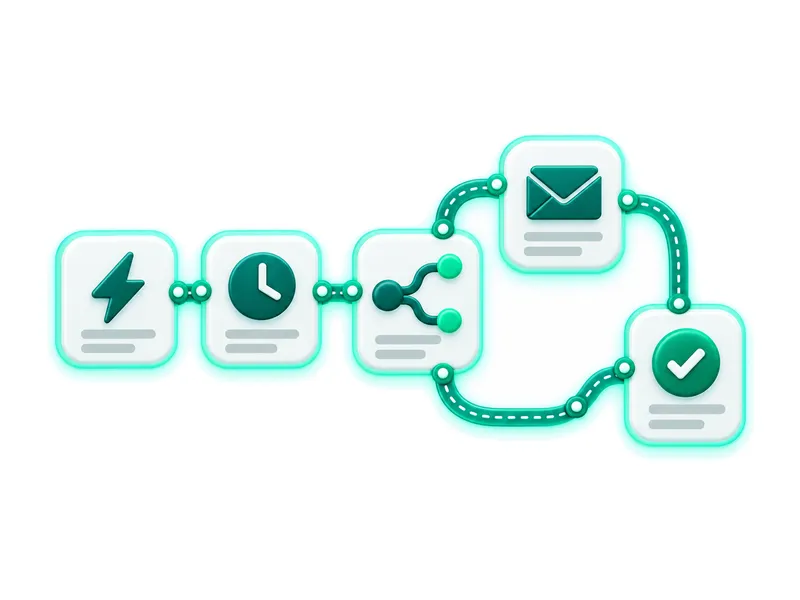
Choose a trigger, then arrange the steps in order: send a message, wait, check a condition or update a contact attribute. Frequency limits stop any contact from receiving too much.
Your domain
Prove you own the domain, then follow a checklist of DNS records with copy buttons. If your domain is on Cloudflare, Hyo Mail can add the records for you with a scoped token and your approval.
Verification proves the setup; inbox placement still depends on your reputation and your recipients' engagement.
Signs every message so receivers know it came from you.
Lists the servers allowed to send for your domain.
Tells receivers what to do with messages that fail the checks.
Aligns the return path with your domain.
Results
Each campaign reports delivered messages, clicks, bounces and unsubscribes, plus estimated opens shown as a supporting signal. Export any report as CSV.
A verified conversion is attributed to the last human click within five days, and revenue appears when the event carries an amount.
Pick clicks, conversions or estimated opens as the winning metric, with a defined sample and duration.
Large campaigns are paced by the sending provider, and each campaign shows its state and the reason for any delay.
Ask in Arabic or English for a design, sharper copy or a change to one section, then apply or reject each proposal. Serene uses its own credits.
Scoped API keys and REST endpoints for your systems, with signed webhooks for every event you need.
Order updates and account notifications through the API, from a verified sender, sharing one credit wallet with your campaigns.
WordPress and WooCommerce through the HyoNova plugin, Shopify through an authorised app connection, and your website forms.
Marketing, sales and support see the same customer in HyoNova, so a campaign knows who bought and who asked for help.
Campaign, sender, audience, design, tests, timing and review in a guided order. Save your progress and come back any time.
Sign up for free at app.hyonova.com; Hyo Mail is already in your workspace.
Follow the DNS checklist, or let Cloudflare assistance add the records with your approval.
Upload a CSV with consent status or use your CRM customers, then build a segment.
Pick a design, adapt it to your brand, send yourself a test, then send now or schedule.
No feature is locked behind a higher tier. You only add credits when your sending grows.
One HyoNova account: sign-up, sign-in, billing and usage all happen at app.hyonova.com.